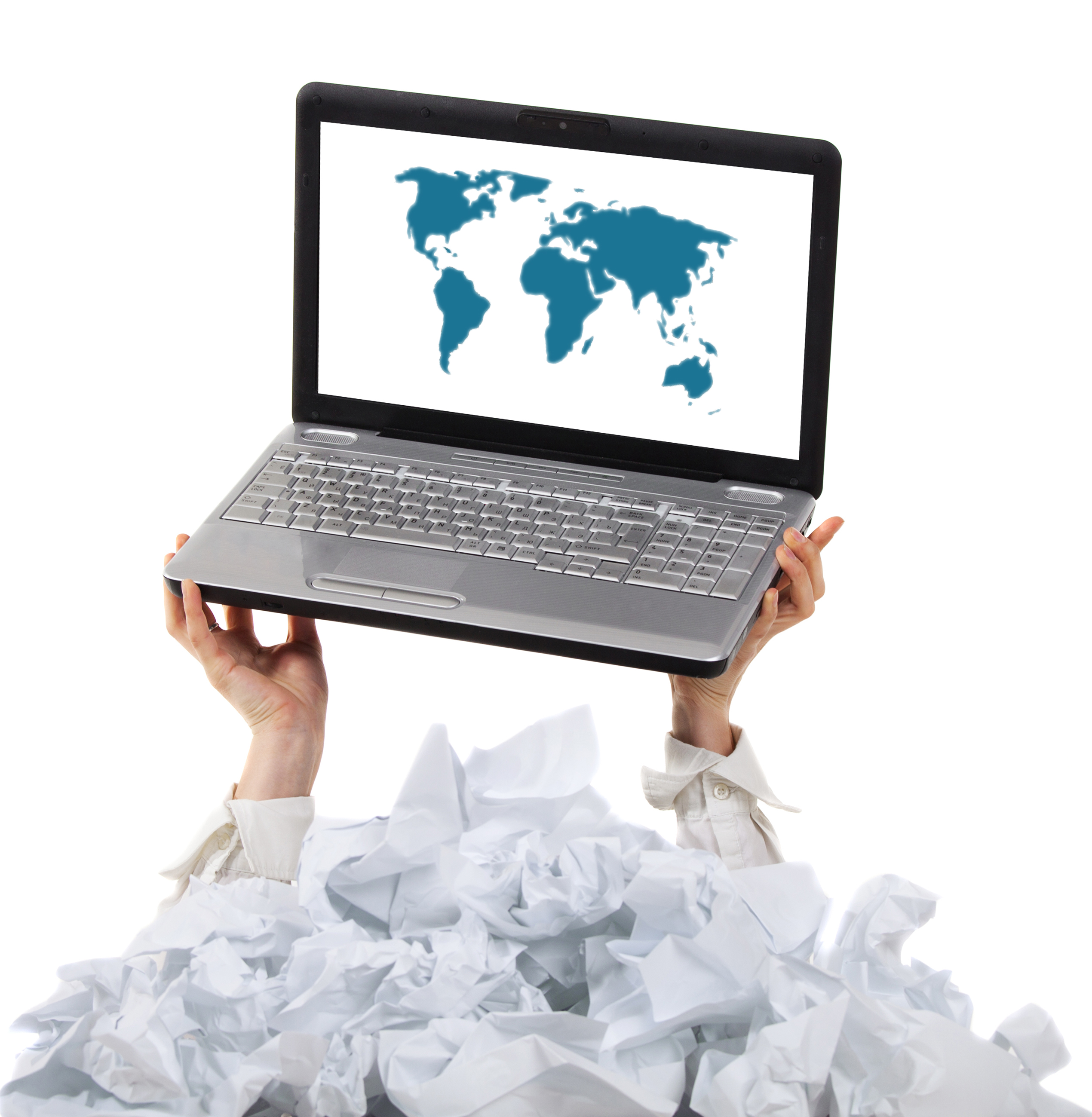
Creating a Paperless Office
Creating a Paperless Office
The modern workplace is evolving, and more businesses are making the transition to a paperless office. Going paperless doesn't mean eliminating every sheet of paper—it means reducing unnecessary paperwork, improving organization, and using digital tools to manage information more efficiently.
Whether you're a small business owner, entrepreneur, or growing company, creating a paperless office can help save time, reduce clutter, and improve productivity.
What Is a Paperless Office?
A paperless office is a workplace that relies primarily on digital documents instead of printed paperwork for everyday operations.
Instead of storing information in filing cabinets, businesses use digital systems to:
Store documents
Share files
Organize records
Collaborate with team members
Access information quickly
The goal is to simplify workflows while keeping important information secure and accessible.
Why Businesses Are Going Paperless
Many companies are choosing digital document management because it offers several benefits, including:
Less office clutter
Faster access to information
Improved organization
Easier collaboration
Reduced printing and storage costs
Better document security
A well-organized digital system can improve efficiency across nearly every part of a business.
Start by Digitizing Important Documents
One of the first steps toward a paperless office is scanning documents you need to keep.
These may include:
Contracts
Invoices
Receipts
Employee records
Client files
Business licenses
Having digital copies makes it easier to search for and retrieve information when needed.
Create an Organized Filing System
A paperless office still requires organization.
Use clear folder structures and consistent file names, such as:
Financial Records
Customer Documents
Vendor Agreements
Marketing Materials
Human Resources
A logical system saves time and reduces frustration.
Use Cloud Storage
Cloud-based storage allows you to:
Access files from anywhere
Share documents securely
Collaborate with team members
Back up important information
For businesses with remote employees or multiple locations, cloud storage provides flexibility and convenience.
Keep Your Digital Files Secure
Going paperless also means protecting digital information.
Consider best practices such as:
Strong passwords
Multi-factor authentication
Regular data backups
Controlled access to sensitive files
Security should always be part of your document management strategy.
Know Which Documents to Keep in Paper Form
While many records can be stored digitally, some original documents should still be kept in a secure location.
These may include:
Birth certificates
Passports
Property deeds
Original legal agreements
Certain government-issued documents
Review applicable legal and business requirements before disposing of original paperwork.
Dispose of Paper Documents Responsibly
Once documents have been digitized and are no longer needed, avoid throwing sensitive paperwork directly into the trash.
Secure shredding helps protect:
Personal information
Customer data
Financial records
Confidential business documents
Proper disposal is an important part of maintaining a secure paperless office.
Print Only When Necessary
Going paperless doesn't mean you'll never print again.
Many businesses still need printed materials such as:
Contracts requiring signatures
Marketing materials
Business cards
Event signage
Presentation handouts
The goal is to print intentionally rather than by default.
Train Your Team
A successful paperless office depends on everyone following the same procedures.
Make sure employees understand:
Where files are stored
Naming conventions
Document-sharing practices
Security policies
Backup procedures
Consistency keeps the system organized and effective.
How Ship It - Bay & Beyond Can Help
At Ship It - Bay & Beyond, we help businesses transition to more efficient document management with services including:
Document scanning
Printing and copying
Secure document shredding
Notary services
Mailbox and virtual mailbox solutions
Shipping and document delivery
Whether you're organizing business records or reducing paper clutter, we're here to help support your workflow.
The Bottom Line
A paperless office isn't just about using less paper—it's about creating a more organized, efficient, and secure way to manage information. By digitizing documents, organizing files, protecting sensitive data, and printing only when necessary, businesses can improve productivity while reducing unnecessary clutter.
In 2026, the most efficient offices aren't those with the fewest filing cabinets—they're the ones with smart systems that make information easy to find, easy to protect, and easy to manage. Making the move toward a paperless office is an investment in your business's future.
