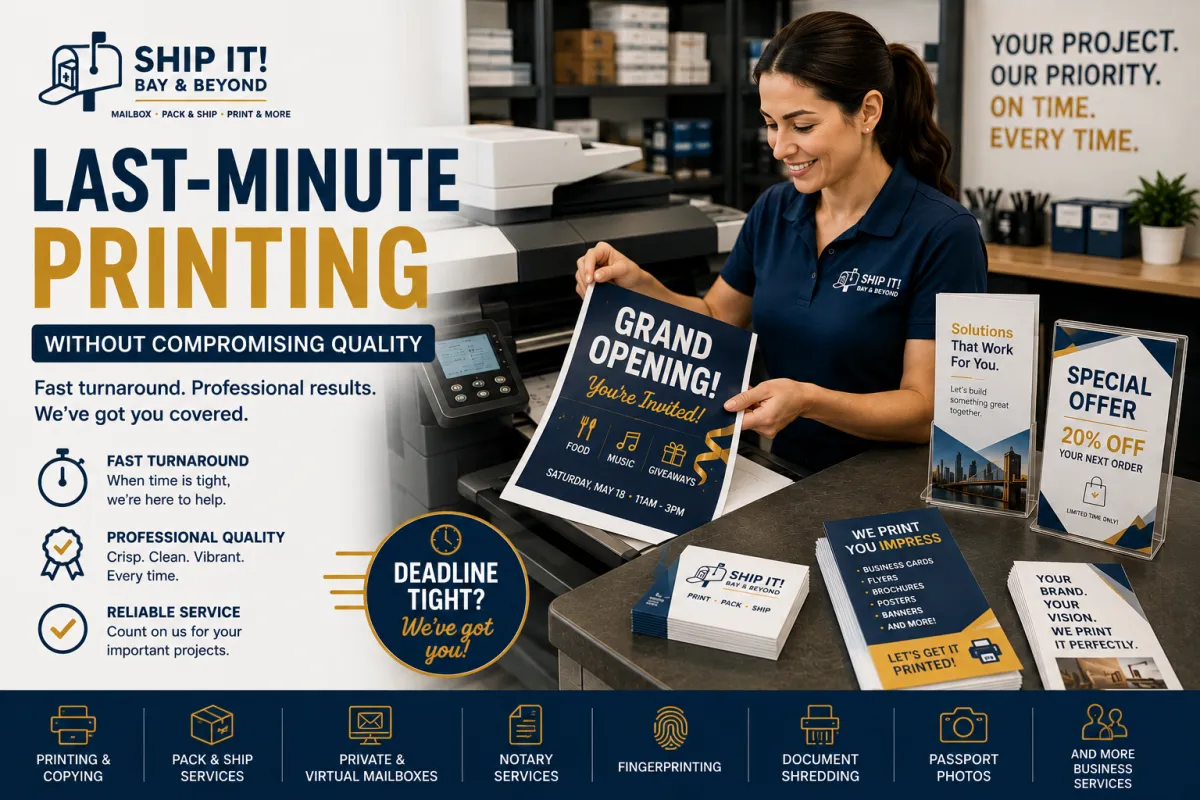
Last-Minute Printing Without Compromising Quality | Ship It! Bay & Beyond
Last-Minute Printing Without Compromising Quality
SEO Title: Last-Minute Printing Without Compromising Quality | Ship It! Bay & Beyond
URL Slug: /last-minute-printing-without-compromising-quality
Focus Keyword: last-minute printing
Secondary Keywords: same-day printing, rush printing, professional printing services, business printing, flyers, business cards, brochures, emergency printing, Tampa Bay printing services, St. Petersburg printing
It happens to almost everyone.
The meeting is tomorrow.
The event starts in a few hours.
Your presentation needs printed copies.
Your business cards just ran out.
Suddenly, you're searching for last-minute printing services.
But here's the important part:
Printing quickly shouldn't mean sacrificing quality.
With the right preparation, professional printing service, and a clear understanding of your options, you can handle an urgent printing project while still making a polished impression.
Why Last-Minute Printing Happens
Sometimes urgent printing isn't the result of poor planning.
Business needs can change quickly.
You might suddenly need:
Event flyers
Business cards
Presentation materials
Brochures
Posters
Signs
Menus
Invitations
Forms
Promotional materials
Training documents
A client may request additional copies. An event may be moved forward. A shipment of printed materials may arrive late.
Whatever the reason, having a reliable printing solution can make a stressful situation much easier.
1. Start With a Print-Ready File
When time is limited, the last thing you want is to spend hours fixing your artwork.
Before sending your file to print, check:
Spelling and grammar
Business name
Contact information
Phone numbers
Website URL
Dates and event details
Image quality
Page size
Margins
Bleed requirements, when applicable
A file that is ready to print can help reduce unnecessary delays.
2. Use High-Quality Images
One of the easiest ways to make printed materials look unprofessional is using low-resolution images.
Images that look fine on your phone or computer may appear blurry or pixelated when printed.
For professional marketing materials, use the highest-quality source files available.
If you're unsure whether your design is suitable for printing, ask your print provider before production begins.
3. Keep Your Design Simple
When you're working under pressure, simplicity is your friend.
A strong print design doesn't need to contain everything about your business.
Focus on:
One message.
One visual direction.
One clear call to action.
For example, instead of filling a flyer with paragraphs, highlight:
WHAT YOU OFFER → WHY IT MATTERS → WHAT TO DO NEXT
This makes the finished piece easier to read and more professional.
4. Choose the Right Printing Option
Not every project needs the same type of printing.
Your best option depends on:
Quantity
Paper type
Finished size
Color requirements
Intended use
Turnaround time
Budget
A small batch of business cards may require a different approach than hundreds of event flyers or a large-format banner.
A professional print provider can help you determine the most practical option for your deadline.
5. Don't Forget the Finishing Details
Quality isn't just about the printed image.
Finishing options can influence how professional your materials look and feel.
Depending on the project, you may want to consider:
Paper weight
Folding
Cutting
Binding
Lamination
Mounting
Finishing options
The right finish can turn a basic print project into something that feels much more polished.
6. Communicate Your Deadline Clearly
If you need printing quickly, tell the print provider exactly when you need the finished materials.
Instead of saying:
"I need this ASAP."
Provide a specific deadline:
"I need 100 flyers ready by 3:00 PM tomorrow."
This gives the printing team a clearer understanding of your requirements and helps determine what options may be available.
7. Don't Wait Until the Last Minute to Review the Proof
Even when you're in a hurry, take time to review your final file or proof.
Check:
✔ Names
✔ Dates
✔ Phone numbers
✔ Prices
✔ Addresses
✔ Website URLs
✔ Logos
✔ Images
✔ Overall layout
A five-minute review can prevent an expensive printing mistake.
Professional Doesn't Have to Mean Complicated
A last-minute project can still look professional.
The key is to focus on the fundamentals:
Clear design + quality files + appropriate materials + professional printing = better results.
You don't need an elaborate design to make a strong impression.
You need a design that communicates clearly and is produced well.
When Rush Printing Makes Sense
Rush or same-day printing can be useful when you need materials for:
Business Meetings
Print presentations, handouts, reports, and supporting documents.
Events
Create flyers, programs, signs, menus, or promotional materials.
Trade Shows
Prepare business cards, brochures, banners, and promotional displays.
Real Estate
Produce property flyers, open-house materials, or informational handouts.
Small Business Promotions
Print materials for a new promotion, service, or announcement.
Last-Minute Printing Doesn't Mean Cutting Corners
There's a common misconception that urgent printing automatically means lower quality.
It doesn't have to.
The biggest difference is preparation.
If your file is complete, your specifications are clear, and you communicate your deadline early, a professional print provider can help determine the best available solution.
How Ship It - Bay & Beyond Can Help
At Ship It - Bay & Beyond, we understand that sometimes you need professional printing sooner than expected.
Our printing and business services can help with projects such as:
Business cards
Flyers
Brochures
Posters
Invitations
Marketing materials
Documents
Copies
Large-format printing
Business forms
Event materials
Need more than printing?
We also offer:
Professional packing and shipping
Private mailbox rentals
Virtual mailbox services
Package receiving
Notary services
Fingerprinting
Document scanning
Secure document shredding
Passport photos
Business formation assistance
Office and business support services
Our goal is to help individuals and businesses get what they need without making the process unnecessarily complicated.
For rush projects, availability and turnaround times can vary, so contact us with your deadline and project details.
Proudly Serving the Tampa Bay Area
Ship It - Bay & Beyond proudly serves individuals, entrepreneurs, professionals, organizations, and businesses throughout the Tampa Bay area, including:
St. Petersburg
Tampa
Clearwater
Largo
Pinellas Park
Seminole
Gulfport
Kenneth City
Treasure Island
St. Pete Beach
Madeira Beach
Indian Rocks Beach
Indian Shores
Redington Beach
North Redington Beach
Redington Shores
Safety Harbor
Oldsmar
Dunedin
Palm Harbor
Tarpon Springs
Belleair
Belleair Bluffs
Lealman
Pinellas County
Hillsborough County
And surrounding communities.
Whether you need last-minute printing, business cards, flyers, brochures, posters, large-format printing, professional packing and shipping, private or virtual mailbox services, package receiving, notary services, fingerprinting, document scanning, secure shredding, passport photos, or business support, Ship It! Bay & Beyond is your trusted local partner.
The Bottom Line
Sometimes deadlines can't be avoided.
When you need something printed quickly, the goal shouldn't be to simply get it printed—it should be to get it printed correctly and professionally.
Start with a print-ready file, keep your design clear, choose appropriate materials, communicate your deadline, and always review the final details.
And when time is tight, having a trusted local printing partner can make all the difference.
At Ship It - Bay & Beyond, we're here to help you turn last-minute printing needs into professional results—without unnecessary stress.
What's Your Answer?
What have you needed printed at the last minute?
Business cards
Documents
Flyers
Event materials
Signs or banners
Something completely unexpected!
Tell us in the comments!
Frequently Asked Questions
Can I get printing done at the last minute?
Rush or same-day printing may be available depending on the project, quantity, materials, equipment, and current workload. Contact your local print provider with your specifications and deadline.
How can I make sure my last-minute printing looks professional?
Use a print-ready, high-resolution file, proofread all information, keep the design clean, and choose materials appropriate for your project.
What can I have printed quickly?
Depending on availability, common urgent projects may include documents, flyers, business cards, brochures, posters, invitations, and other marketing materials.
How do I prepare a file for professional printing?
Confirm the correct finished size, use high-quality images, check margins and bleed requirements, proofread all information, and provide the file in a format accepted by your print provider.
Should I contact the printer before creating my design?
If you're working with a tight deadline, yes. Confirming available sizes, materials, turnaround times, and file requirements before designing can help prevent delays.
