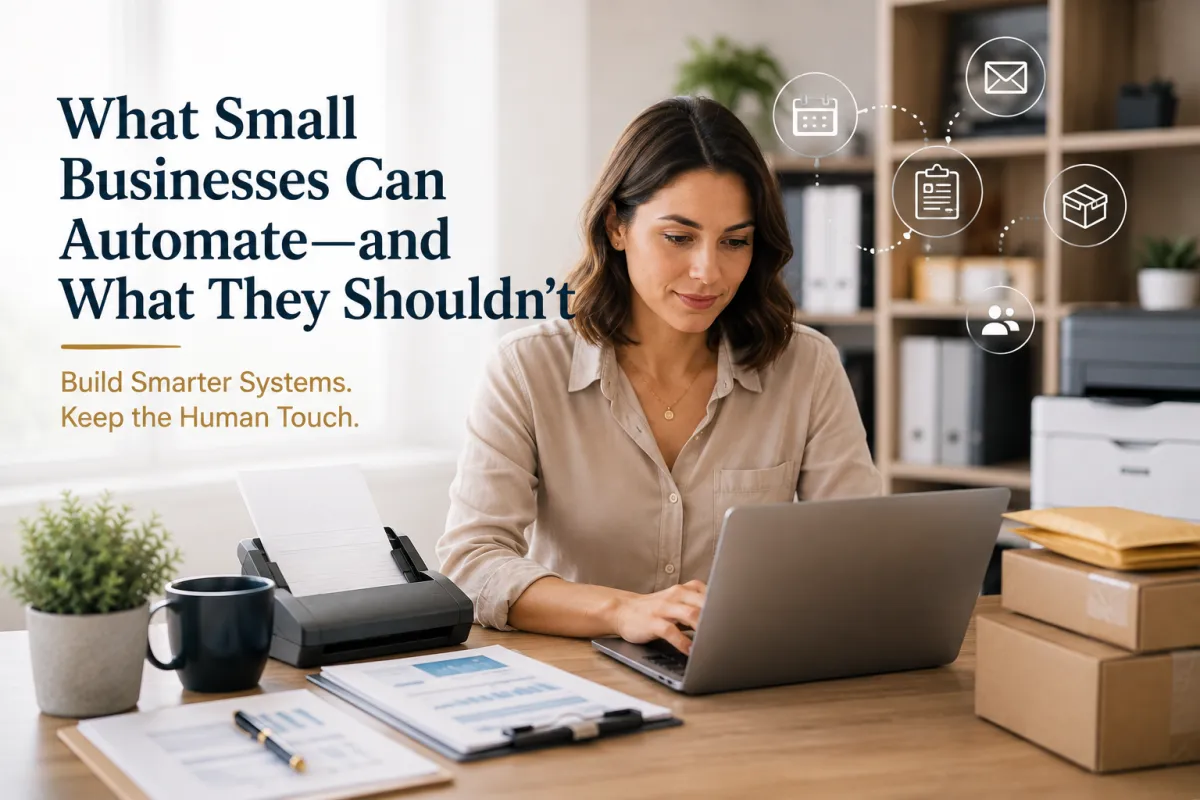
What Small Businesses Can Automate—and What They Shouldn't
What Small Businesses Can Automate—and What They Shouldn't
Automation can make running a business easier.
It can send reminders while you're sleeping.
Schedule appointments without a phone call.
Send invoices automatically.
Organize customer information.
Trigger follow-up emails.
Generate reports.
For a small business owner juggling dozens of responsibilities, that can be incredibly valuable.
But there's a problem:
Not everything should be automated.
The goal of automation isn't to remove people from your business.
It's to remove unnecessary repetitive work so people can spend more time doing the things that require judgment, creativity, communication, and trust.
The smartest small businesses aren't asking:
"What can we automate?"
They're asking:
"What should we automate?"
What Is Business Automation?
Business automation uses technology to perform repetitive tasks with limited manual intervention.
For example:
Customer submits a form → system sends confirmation → information is added to a database → team receives a notification.
Instead of someone manually completing every step, technology handles the predictable parts.
Automation can improve:
Efficiency
Consistency
Response times
Organization
Productivity
Customer communication
But automation works best when the underlying process is already clear.
Why Small Businesses Should Consider Automation
Small businesses often have limited resources.
You may not have a large administrative team.
The owner might be handling:
Sales
Customer service
Marketing
Scheduling
Invoicing
Operations
Administration
When one person has to do everything, repetitive tasks become expensive—not necessarily because they cost money, but because they consume valuable time.
Automation can help give that time back.
What Small Businesses SHOULD Automate
Let's start with tasks that are generally repetitive, predictable, and rules-based.
1. Appointment Reminders
If customers frequently forget appointments, automated reminders can help.
A system can send:
Confirmation messages
Reminder emails
Appointment details
Follow-up messages
This reduces the need for someone to manually contact every customer.
2. Routine Email Follow-Ups
Not every email requires a custom response.
Automation can be useful for predictable communications such as:
Welcome emails
Appointment confirmations
Order confirmations
Thank-you messages
Basic follow-ups
Renewal reminders
Review requests
The key is making sure automated messages are relevant and accurate.
3. Lead Notifications
When someone fills out a contact form, automation can immediately notify the appropriate person.
For example:
New lead → Notification → CRM entry → Follow-up task
This can help prevent leads from getting lost in an inbox.
4. Invoice Reminders
Businesses can spend a surprising amount of time manually reminding customers about invoices.
Automated reminders can help with:
Upcoming payment reminders
Overdue notifications
Receipts
Payment confirmations
However, sensitive customer situations may still require personal communication.
5. Customer Intake Forms
Instead of collecting the same information repeatedly through email or phone calls, businesses can use digital forms.
For example:
Customer information → Service requested → Relevant details → Submission
The information can then be routed to the appropriate system or employee.
This reduces repetitive data entry.
6. Internal Task Notifications
Automation can help teams know when something needs attention.
For example:
Order received → Team notified
Form submitted → Employee assigned
Document uploaded → Review requested
The system doesn't necessarily complete the entire process.
It simply makes sure the right person knows what needs to happen next.
7. Marketing Workflows
Marketing is another area where automation can be useful.
Businesses can automate parts of:
Email campaigns
Lead nurturing
Social media scheduling
Customer segmentation
Welcome sequences
Promotional reminders
But automation shouldn't mean sending the same generic message to everyone.
Good automation still requires thoughtful strategy.
8. Data Organization
Automation can help move information between systems.
For example:
Online form → CRM → Customer record → Follow-up task
This reduces manual copying and pasting.
It can also reduce errors caused by repeatedly entering the same information.
9. Routine Reporting
If you're creating the same report every week or month, automation may help.
Instead of manually gathering the same information repeatedly, a system may be able to generate recurring reports.
This allows business owners to spend more time interpreting the information rather than simply collecting it.
What Small Businesses SHOULDN'T Automate Completely
Here's where things get interesting.
Some parts of your business depend on something technology can't easily replicate:
Context.
A system can follow rules.
A person can understand the situation.
1. Complex Customer Problems
Automation is excellent for simple questions.
But imagine a customer has a complicated problem involving:
A delayed shipment
A damaged package
A billing issue
A special request
Multiple previous interactions
Sending them through another automated menu may make the experience worse.
Sometimes the best automation is knowing when to hand the conversation to a person.
2. Important Business Decisions
Don't automate decisions simply because they can technically be automated.
Major decisions may require:
Context
Experience
Judgment
Risk assessment
Business knowledge
Technology can provide information.
The business owner or professional should still determine how that information is used when the decision has significant consequences.
3. Relationship Building
Customers don't always remember your automated email.
They remember how you treated them.
Relationship-building often depends on:
Listening
Empathy
Personal attention
Trust
Follow-through
Understanding
Those are difficult to reduce to a workflow.
Automation can support relationships.
It shouldn't replace them.
4. Sensitive Conversations
Some conversations should come from a person.
Examples can include:
Complaints
Serious service issues
Sensitive financial situations
Major mistakes
Personal circumstances
Difficult customer interactions
A robotic response can sometimes make a difficult situation worse.
When emotions or consequences are high, human communication matters.
5. Creative Strategy
AI and automation can help generate ideas.
But businesses shouldn't completely automate their strategic thinking.
Questions like:
Who are we trying to serve?
What should our brand stand for?
Why should customers choose us?
What makes our business different?
These require understanding—not simply data processing.
6. Quality Control
Automation can reduce mistakes.
It can also create them at scale.
Imagine an incorrect automated workflow sending the wrong message to 5,000 customers.
That's much worse than one employee making a mistake on one email.
Automation should have appropriate review and quality-control processes.
Automate carefully. Monitor regularly.
7. Physical Tasks That Require Judgment
Not everything in business happens online.
Some tasks still involve physical products, documents, packages, and materials.
For example:
Packing a fragile shipment
Selecting appropriate packaging
Preparing a large-format print job
Handling physical documents
Receiving packages
Notarizing eligible documents
Securely disposing of confidential paperwork
Technology can support these processes.
But the physical work still requires people.
The Best Automation Rule: Automate the Predictable
Here's a simple way to think about it:
Automate:
Tasks that are repetitive + predictable + rules-based.
Keep Human:
Tasks that are complex + sensitive + relationship-driven.
This creates a useful balance.
A Simple Automation Decision Framework
Before automating a task, ask these questions:
1. Does this task happen frequently?
If you only perform it once a year, automation may not be worthwhile.
2. Is the process predictable?
If the steps change every time, automation may create problems.
3. Does it require judgment?
If yes, keep a human involved.
4. What happens if the automation makes a mistake?
The higher the consequences, the more human oversight you may need.
5. Does automation improve the customer experience?
Saving your team time isn't useful if it makes customers frustrated.
6. Can a human easily take over when necessary?
A good system should have an escape route.
Automation Should Remove Friction—Not Humanity
This is perhaps the most important principle.
If automation makes your business easier for you but harder for your customers, it's probably not good automation.
For example:
Bad Automation
Customer has a complicated problem → chatbot → automated menu → generic email → customer becomes frustrated.
Better Automation
Customer submits request → system gathers basic information → employee receives details → employee provides personalized assistance.
The technology still saves time.
But the customer still gets a human when they need one.
Think of Automation as a Team Member
A useful mindset is to think of automation as a digital assistant.
It can:
Remind
Organize
Sort
Notify
Schedule
Collect information
Trigger routine processes
But you wouldn't ask an assistant to make every major business decision without supervision.
The same principle applies to automation.
Let technology handle the repetitive work. Let people handle the meaningful work.
How Ship It - Bay & Beyond Fits Into a More Efficient Business
Automation can simplify digital workflows, but businesses still need help with many physical tasks.
That's where Ship It - Bay & Beyond can support entrepreneurs, remote professionals, families, and small businesses.
Packing & Shipping
Professional packing and shipping assistance for personal and business shipments.
Private Mailboxes
Dedicated mailing solutions for personal or business use, subject to applicable requirements.
Virtual Mailboxes
Flexible options for managing mail when you're not always in one location.
Package Receiving
Convenient receiving options for eligible packages.
Printing & Copying
Business cards, flyers, brochures, documents, invitations, and other printed materials.
Document Scanning
Digitize eligible documents to make organization and backup easier.
Document Shredding
Securely dispose of confidential paper documents after confirming they no longer need to be retained.
Notary Services
Notary services for eligible personal and business documents.
Fingerprinting
Fingerprinting services for eligible employment, licensing, and other requirements.
Passport Photos
Professional passport photo services.
Business Formation Assistance
Support for entrepreneurs working to establish and organize their businesses.
The Human + Technology Advantage
The most effective small businesses don't have to choose between technology and human service.
They can use both.
Technology handles:
Repetitive work
People handle:
Relationships
Technology handles:
Routine information
People handle:
Complex situations
Technology handles:
Notifications
People handle:
Decisions
Technology handles:
Data organization
People handle:
Strategy
That's not an either/or decision.
It's a partnership.
A Practical Automation Audit for Your Business
Want to find opportunities to automate?
Take a look at your last seven days.
Write down every recurring task you performed.
Then divide them into three categories:
🟢 AUTOMATE
Repetitive and predictable.
Examples:
Appointment reminders
Routine notifications
Basic data entry
Recurring reports
🟡 ASSIST
Technology can help, but a person should review it.
Examples:
Marketing emails
Customer follow-ups
Data analysis
Content creation
🔴 KEEP HUMAN
Requires judgment, trust, sensitivity, or specialized physical handling.
Examples:
Complex customer issues
Important business decisions
Sensitive conversations
Specialized physical services
This simple exercise can reveal where automation could genuinely help—and where it could create unnecessary problems.
The Bottom Line
Automation isn't about making your business feel less human.
It's about making your business more efficient so you have more time to be human where it matters.
Automate the repetitive.
Simplify the predictable.
Use technology to organize information.
But keep people involved when customers need understanding, decisions require judgment, or situations don't fit neatly into a workflow.
The goal isn't:
"How much of my business can I automate?"
The better question is:
"How can I use automation to make my business better without losing the human experience?"
That's where smart automation begins.
And sometimes, the best system is one where technology handles the background work—while a real person is still there when someone needs help.
Frequently Asked Questions
What tasks should small businesses automate?
Start with repetitive, predictable, rules-based tasks such as appointment reminders, routine emails, notifications, basic data entry, recurring reports, and certain marketing workflows.
What should businesses avoid automating?
Complex customer issues, sensitive conversations, major business decisions, relationship-building, and tasks requiring significant judgment should generally retain meaningful human involvement.
Can automation improve customer service?
Yes. Automation can make routine interactions faster and ensure information reaches customers promptly. However, customers should have a clear path to human assistance when they encounter complex or sensitive issues.
Is AI the same as business automation?
Not exactly. Automation refers broadly to technology performing tasks with limited manual intervention. AI is a technology that can be incorporated into automation, but not every automated process uses AI.
How can a small business start automating?
Start small. Identify repetitive tasks that happen frequently, document the process, determine whether automation would genuinely improve it, and test the workflow before expanding it.
Can too much automation hurt a business?
Yes. Poorly designed automation can create frustrating customer experiences, spread errors quickly, and make businesses feel impersonal. Automation should be monitored and designed around the customer experience.
